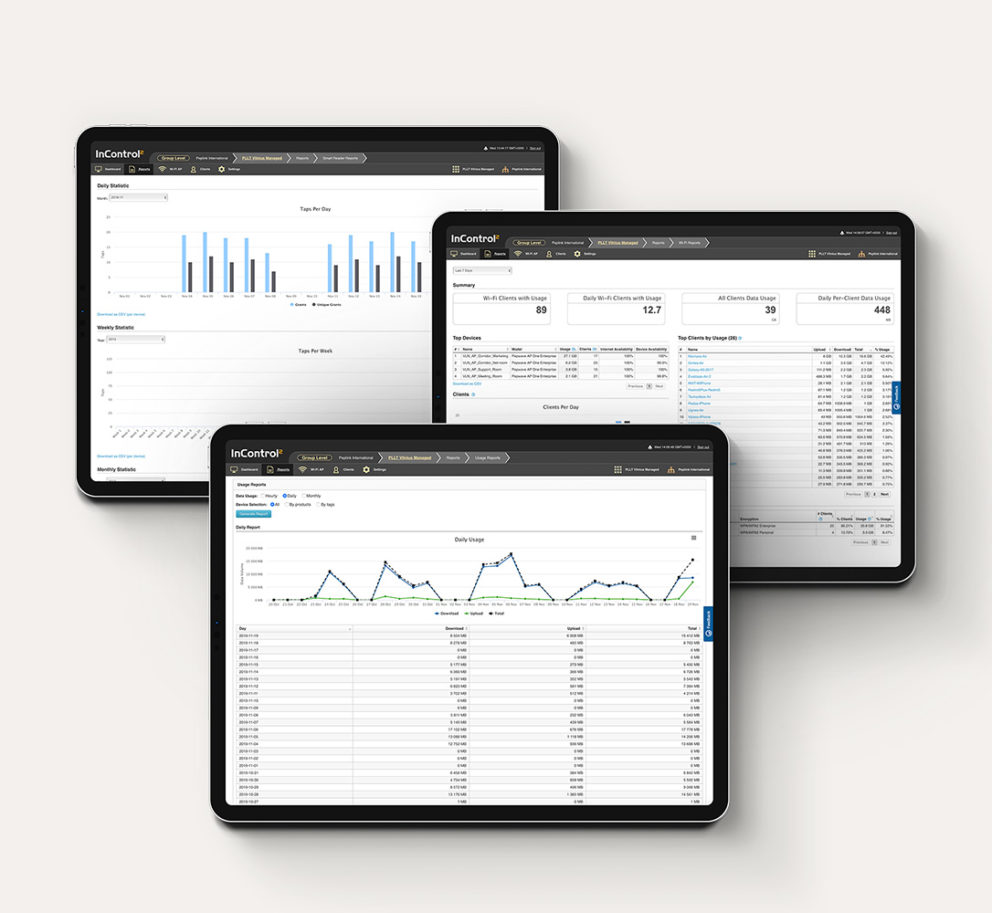
InControl is our cloud-based endpoint management system. When connected to your devices, it aggregates data to generate useful reports on all aspects of your network. On a single screen, you can push configurations to any and all of your endpoints. If you need to dig deeper, you can remotely access the web admin of any device on your network.
Using InControl, you can save configuration time, minimize truck rolls, stay on top of the status of your network, and proactively resolve any emerging problems with speed and precision.
Stay Informed about your Network
A Wide Range of Capabilities
From network provisioning to SSID management, InControl gives you to complete control of your network from any web browser:
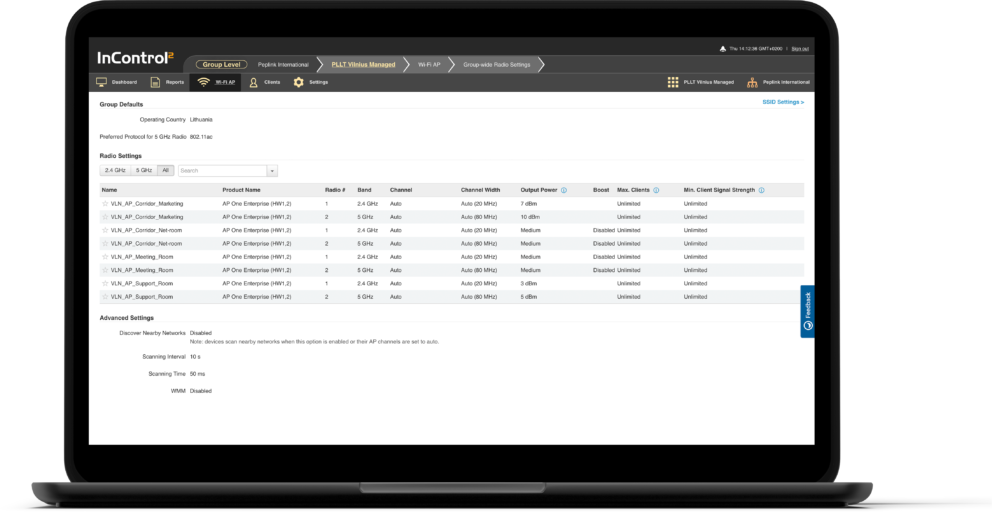
Zero Touch Configuration
InControl simplifies network management by aggregating network information and presenting them in easy-to-read reports. Push configuration and firmware updates to hundreds of devices with a click of a button and apply schedules to SSID, Firewall Rules, Outbound Policies, and SD-Switch Ports.
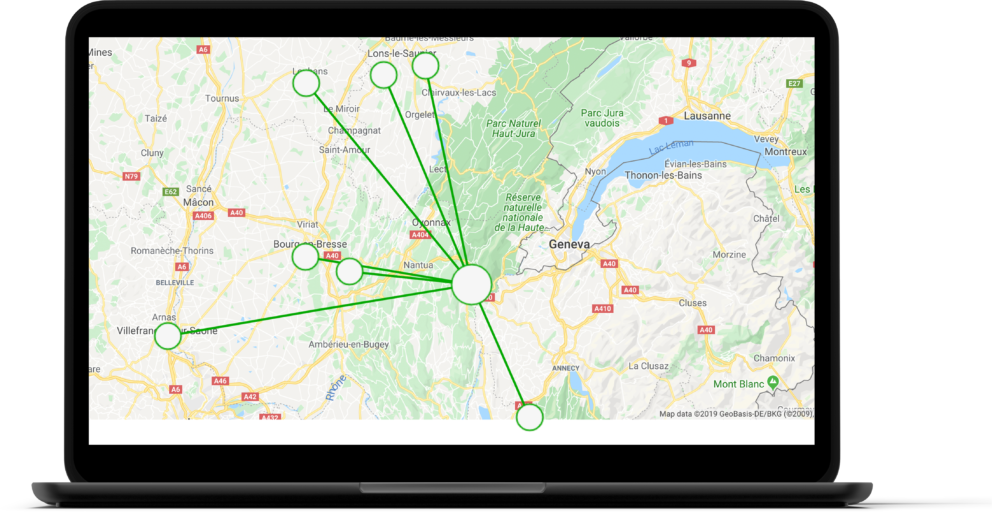
SD – WAN Provisioning
Provisioning configurations to endpoints used to take hours. With InControl, you can now build your SpeedFusion VPN network in one minute. Simply open the SpeedFusion VPN configurator, select your topography, and select your peers.
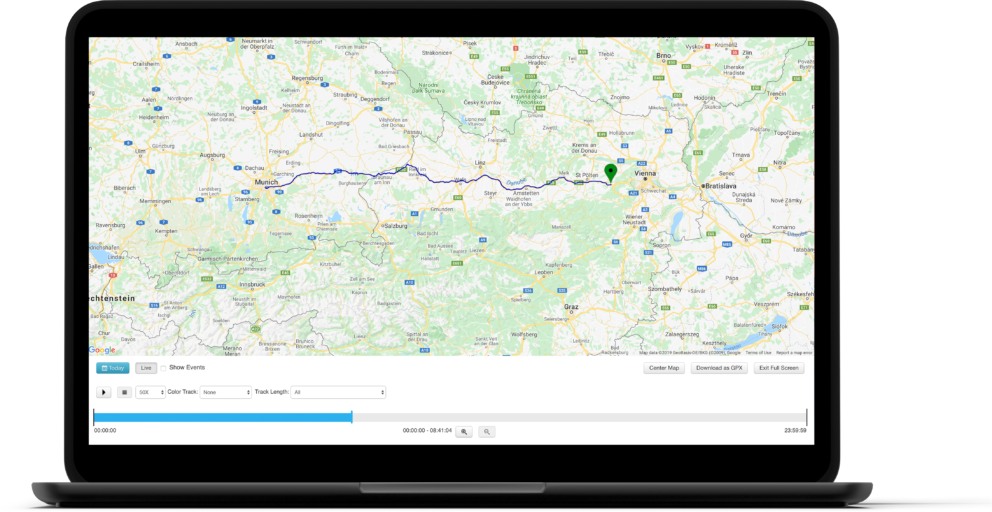
GPS Fleet Management
InControl 2 provides full-fleet device management when used in combination with our vehicle-mounted, GPS–enabled devices, such as the MAX HD2 and BR1. Track your devices wherever they are using our interactive maps. Check vehicle speed, cellular coverage, and traffic conditions. Play back complete route histories for any time period.
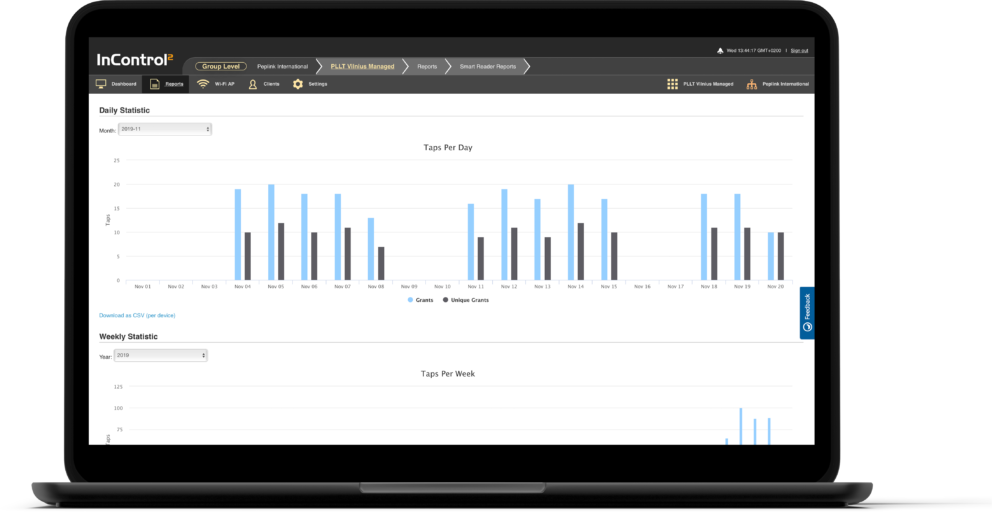
Network Troubleshooting
Set up email notifications for important network events. Monitor WAN quality and bandwidth usage using intuitive graphical reports. InControl 2 provides detailed logs of your network’s events and operations. Finally, the Remote Web Admin feature lets you directly access the WebUI of any device, saving truck rolls.
Simplify your network management, save time and forget configuration headaches.
InControl Mobile App
Review your Entire Network at a Glance

Monitor

Manage
Monitor Multiple Organizations
Easily switch between your different organizations.
Connection Status
Check connection status of any device, the clients they are connected to, and all activity affecting the group.
Customizable Push Notifications
Receive push notifications for important network events.
Fine tune your notifications by group and network event type.
Convenient Access to Favorites
Save your most commonly accessed groups across all organizations on the favorite screen.


InControl API
Integrate InControl Information into your own App
The InControl 2 API opens up a world of possibilities for integrating our platform with your custom apps, web site, or other third party software.
-
Q. How can I register my device with InControl 2?
You can register your device by signing up for an InControl 2 account.
Q. I purchased my device through a reseller. Can I register it with InControl 2 or must my reseller register on my behalf?
You can register by signing up for an InControl 2 account and adding your devices.
Q. My device is already registered on the previous version of InControl. Do I need to register it again to use InControl 2?
Yes. The new version is completely separate from the old. If you have a large number of devices to migrate, open a ticket with Peplink support. We will do our best to help.
Q. How much does InControl 2 cost?
If your devices are in-warranty running Firmware 6.1 and above (or Firmware 3.4.1 and above for AP One), InControl 2 is free of charge. For out-of-warranty devices, 1-year and 2-year InControl 2 subscriptions are also available for selective devices on our online cart. InControl 2 subscription includes access to InControl 2 and firmware upgrades. They do not include warranty protection.
Q. I have added my device, but InControl 2 shows it as offline. It isn’t. What gives?
InControl 2 will show an online device as inactive if it is out of warranty and without InControl 2 subscription. If you actually have an InControl 2 subscription, try performing a ping test from your device to ac1.peplink.com. If you succeed, and the device does not appear online on InControl 2, you can reach out to our friendly and active user forums.
Q. What do each of the different user roles mean?
- Dashboard Viewer. These users can only view the organization dashboard. Useful for publicly accessible accounts.
- Group Viewer. These users can read information for the specified group, but cannot make changes.
- Group Administrator. These users can access the specified group, reading and making changes.
- Organization Viewer. These users can read information for the entire organization, but cannot make changes.
- Organization Administrator. These users can access the entire organization, reading and making changes.
Q. What happens to my data after my InControl 2 subscription expires?
Although your device won’t appear online after expiration, you will still be able to access your previous device reports.
Q. How do I configure my firewall such that InControl 2 traffic can make it through?
Please enable traffic for udp port 5246 and tcp port 443.
-
Ways for your device to obtain InControl Management:
Warranty: InControl management is included as a part of our warranty services. All devices come with 1-year of free warranty. To continue coverage after the 1-year period, simply purchase extended warranty.
InControl 2 Subscription: 1-year and 2-year InControl 2 subscriptions are also available on our E-Store for the following devices:
-
- AP One, AP Pro
- Balance 20, 30, One, One Core
- FusionHub Solo, FusionHub Essential, FusionHub Pro
- MAX BR Series
- SD-Switch
- Surf SOHO
* For devices not listed above, InControl must be purchased alongside EssentialCare and cannot be purchased separately. EssentialCare, is our package that offers an umbrella of services from IC2, Support, Warranty and SpeedFusion Cloud. The combination aims to support and provide value, so everyone can experience Peplink services at once.
*Same applies for all our Care Packages (SmartCare,TotalCare,EssentialCare).Learn more about InControl Terms & Conditions
-
-
InControl is hosted at Amazon Web Services in the US. For enterprise deployments that require a privately hosted version of InControl, please contact your certified Peplink Partner. ICVA also supports REST API, enabling easy integration with your existing systems.
InControl2 Virtual Appliance (ICVA) can be hosted on any private server hardware, giving network administrators complete management and control over sensitive data and security. Learn more
-
To be managed by InControl 2, your device must be:
- One of the compatible devices listed above
- Running Firmware 6.1 or 3.4.1
- In-warranty or covered by InControl 2 Subscription
Firmware 6.1 and 3.4.1 is free for in-warranty devices, but you will need to purchase a warranty to upgrade out-of-warranty devices. If you are unsure of your device’s warranty status, check by adding the device to InControl 2. Even if the device cannot be managed by InControl 2 (e.g., the device runs older firmware), InControl 2 will still show the device’s warranty status.